In this article
FILES
Customers ask for a DST as if the letters were the product. The product is the sequence of stitches. The format is just the envelope. Convert badly and the envelope eats the trims, the colors, or the position.
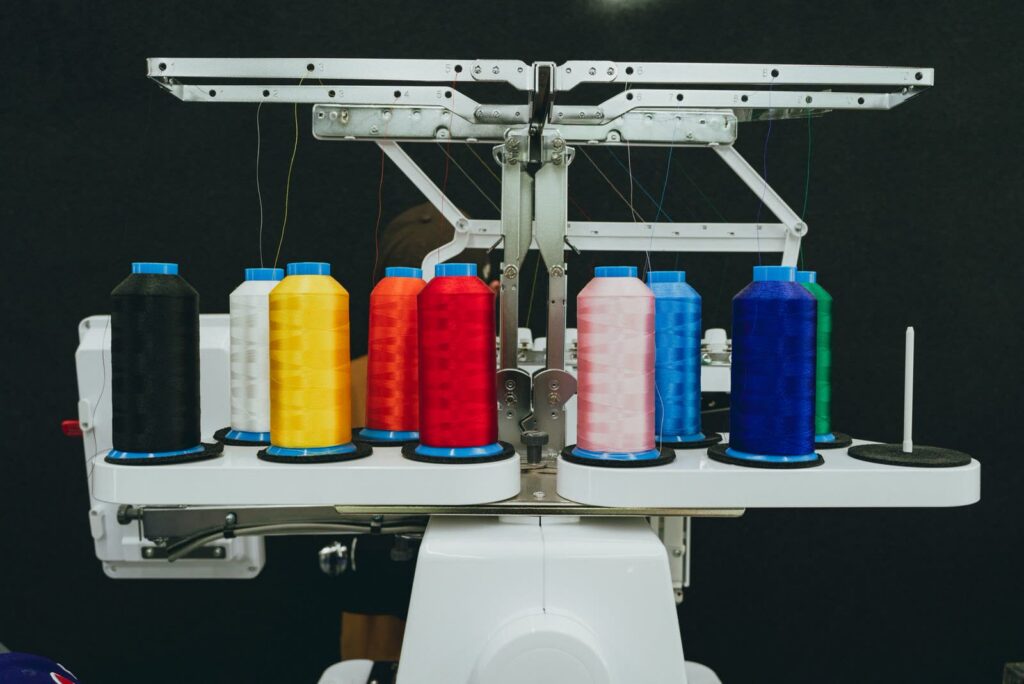
Example photo. Thread cones on the machine that sews a stitch file. Photo by Theodore Nguyen on Pexels.
What the machine is really reading
A stitch file is a list of moves: stitch, jump, trim, color change, stop. DST is the old common tongue. Almost every commercial machine will take it, and it is careless about color names. You get a sequence. You do not get a reliable thread chart. PES, JEF, EXP, VP3, and XXX are native dialects for Brother and Babylock, Janome, Melco, Husqvarna Viking, and Singer. They often keep color information the DST threw away.
If you digitize in one program and the customer sews on another brand, ask what their machine reads before you export. Sending five formats you did not check is not service. Sending the one format their machine uses, plus a DST as a backup, is.
What breaks in conversion
Trims turn into jumps, so the machine sews across a gap you meant to cut. Color changes collapse, so two reds become one long color and the sew-out is wrong even though the picture looked right. The origin moves, and the design lands high or to the left of the mark you hooped. Some formats cap the stitch count or dislike a design that sits far from center.
Open the converted file in a viewer that shows the real stitch path, not a pretty preview. Step through the color changes. If a trim is missing, you will see a long travel stitch. Fix it in the source and export again. Do not tell the customer to cut the threads and hope.
What to put in the email
- The format their machine takes, named in the filename along with the size.
- The size in millimetres, width and height, of the sewn design.
- The color order in plain language, even if the file has a chart. DST will not save you.
- Whether it was sequenced for flat goods or for a cap. A cap file sewn flat looks like a mistake. It is a different sequence.
Questions that come up at the machine
Is DST the best format?
It is the most widely accepted. It is not the most informative. Use it when you need compatibility, and do not trust it to carry your color names.
Why did the design sew with no trims?
The conversion dropped them, or the machine was set to ignore trims. Check both before you redigitize.
Can I email a PNG and call it a file?
You can. They cannot sew it. Artwork is not a stitch file. That handoff is the artwork checklist.

Founder of Plan & Make. Writes about embroidery production, patches and digitizing. Every guide is reviewed against real production constraints.
About Plan & Make →PUT IT INTO PRACTICE
Turn your artwork into a sew-ready file.
Upload a clean logo, check the front preview and download DST, PES, JEF, EXP, VP3 or XXX.
Open StitchForge →